
It's hard to keep a secret
Modern web applications require a dizzying number of moving parts, including dynamic resources like servers, databases, and applications that are constantly being deployed and changed. And to make things more complicated, engineering teams at large companies can grow to hundreds or thousands of people all needing access to passwords and other secrets. So how do you keep anything secure?
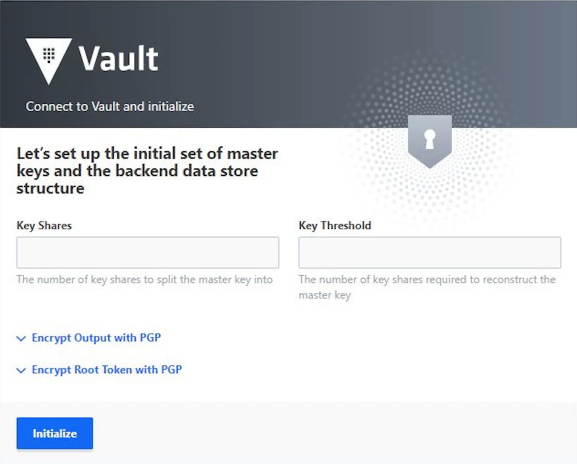
User-friendly password managers are easy to find, but that doesn't mean that people use them like they should. Vault was made so that developers could integrate secrets management into their application from Day 1 and grow with them as they adopt more dynamic infrastructure. An application can authenticate to Vault, check that it has the right permissions to access this data, and get back a one-time password that expires in just milliseconds. Vault does this up to millions of times a day, and every single time the identity is checked again and the action is logged so it can be reviewed later. This means that configuring Vault needed to be easy to understand and human-friendly, but Vault's most frequent users aren't human.
Before HashiCorp, I had experience at thoughtbot leading customers through Google's Design Sprint framework, spending a week taking something from initial concept and discovery on Monday to prototyping ideas with real users by Friday. This kind of lean user testing worked well for consulting clients, but would need a few changes to match our long product release cycles where a new version of the product comes out every three to four months.
The importance of Zero-Trust Security
You do use a password manager, right? Keeping your personal passwords secure is important to protect against fraud and identity theft, so imagine how much more important it is for companies like banks and healthcare providers where they are handling sensitive information that is even more important than our credit card numbers.
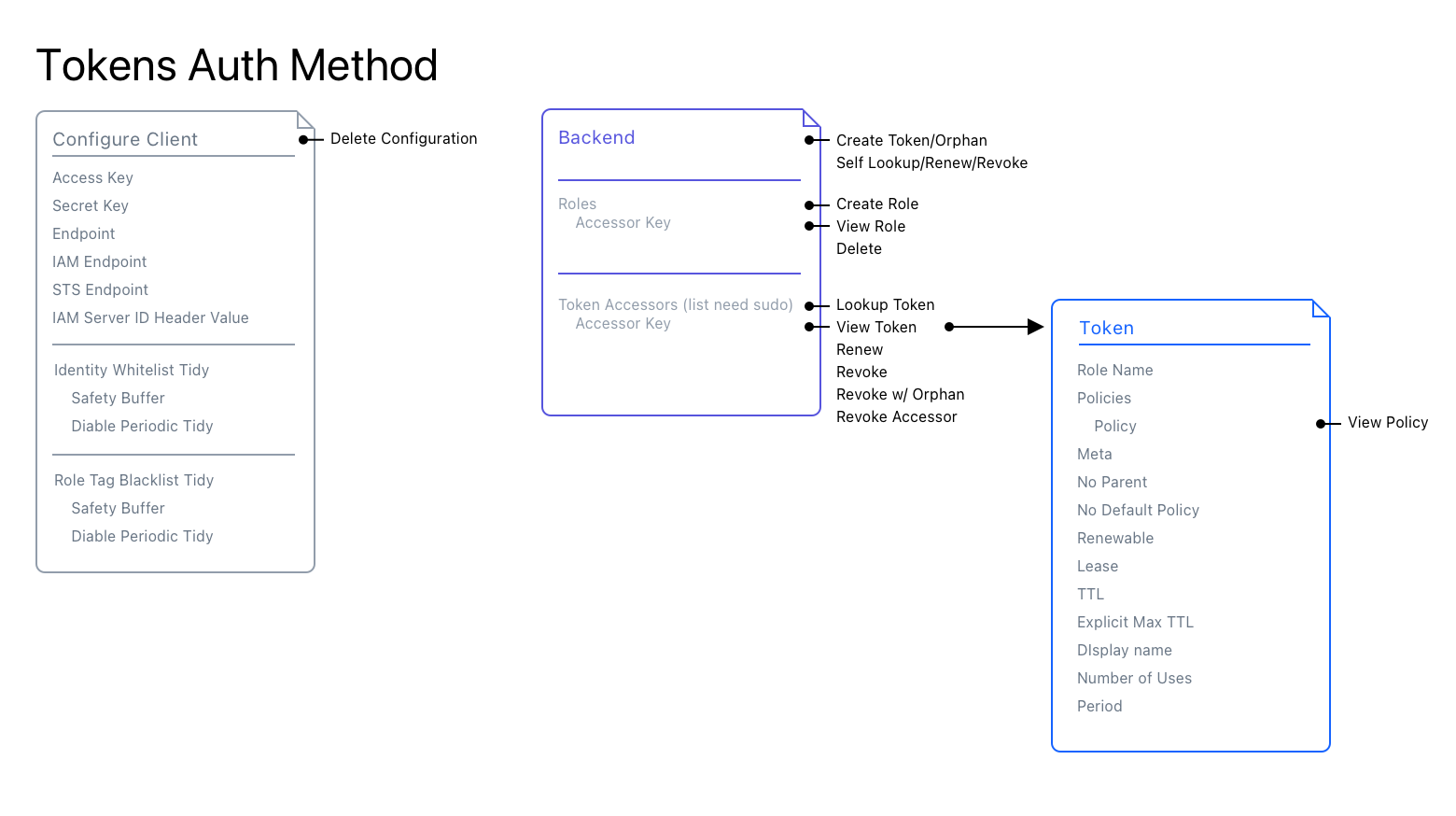
User Research for cybersecurity products was... a challenge. Our customers were understandably very protective of their secrets environments. We were never going to get access to real data to see how they were using Vault, and because the software runs in secure private networks, we didn't even have any tracking or analytics in the app at all (and still don't, for the record). So we would need a simulated environment that they could use to show us how their real work is done.
We relied on our network of Vault Enterprise customers and open-source community members who ranged from experts in cybersecurity operations to brand new developers using a secrets management tool for the first time. We observed them using clickable prototypes in Figma to mock up workflows, including flows between Vault and other apps like a terminal or services like AWS. Our interview included questions about their work, how their teams are organized, and how permissions are reviewed and approved. We used all of this to build a map of personas well beyond just the developers using Vault directly.
One of my favorite parts of my job is that I get to build things for engineers. They've got everything a designer would want in an ideal user/customer: they're incredibly smart, they care a lot about how they work, and boy do they have strong opinions! I have years of coding experience in a variety of languages and I also appreciate when a library or framework feels intuitive and powerful. In fact, I had been on a few projects that used HashiCorp tools like Vagrant and Terraform, so I had some first-hand knowledge that making these tools easier to use had a real impact on the work of developers all over the world.
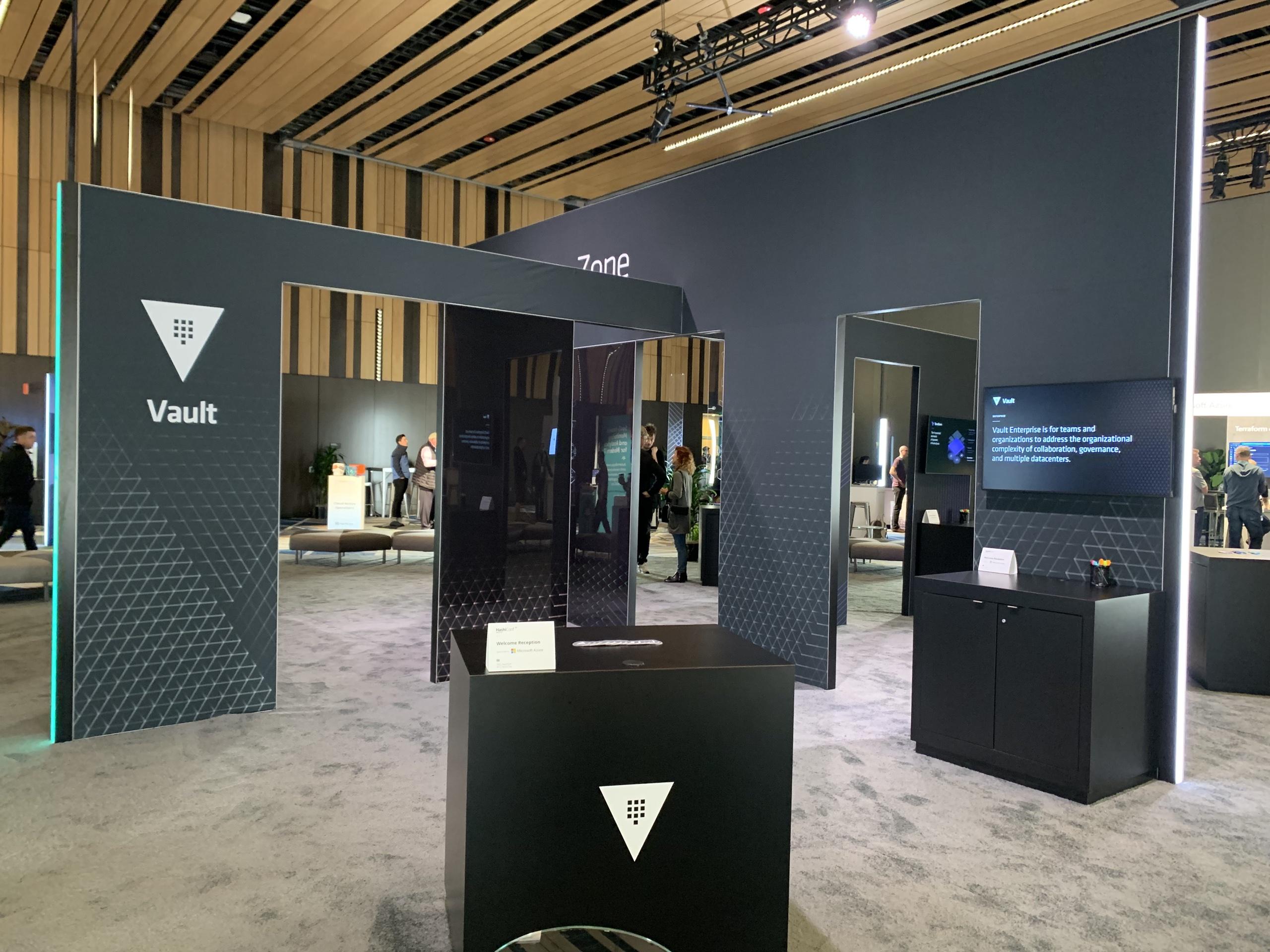
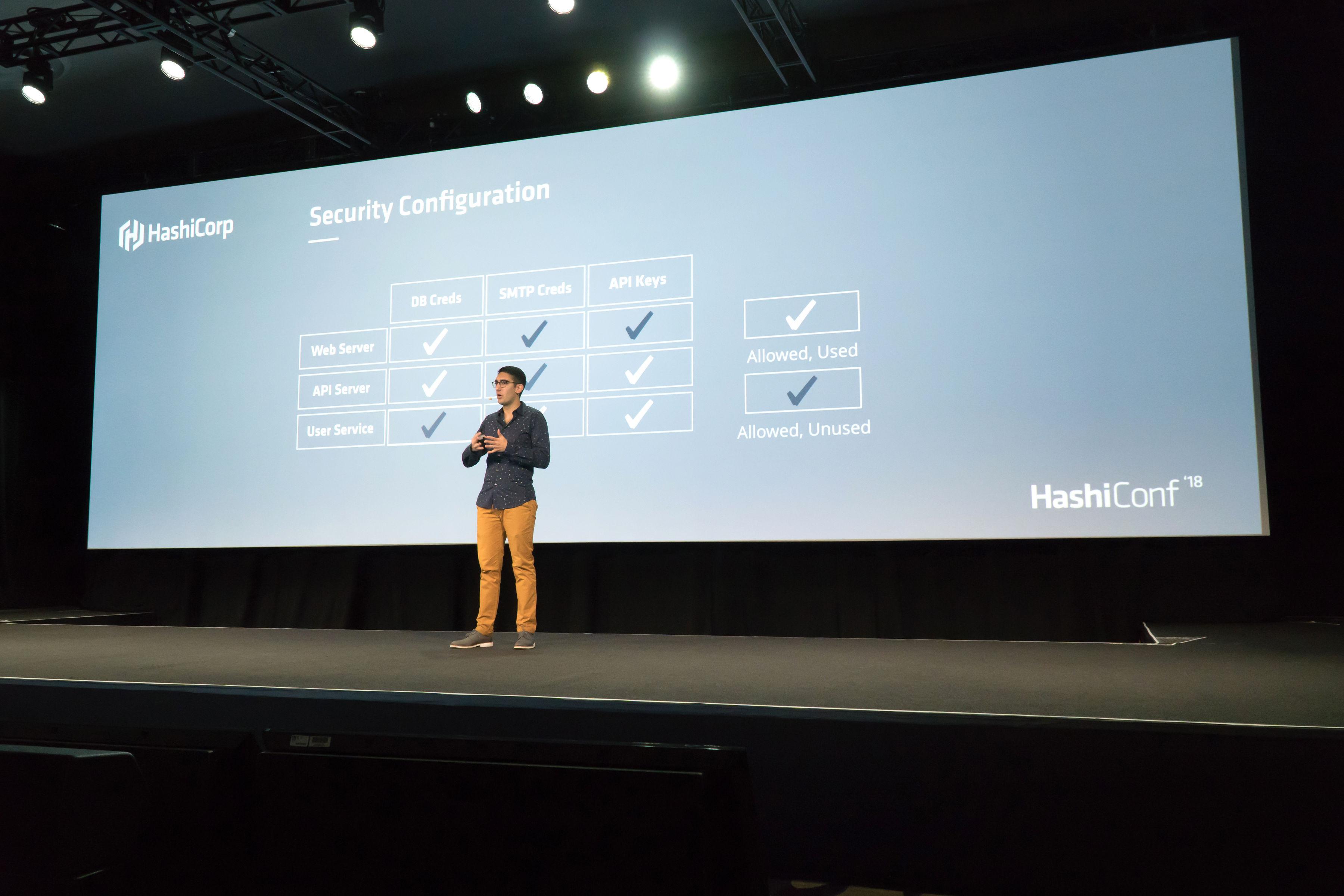
I took the incredibly valuable opportunity to do research in-person at HashiConf, our annual conference attended by some of our smartest and most invested users. I ran small studies by appointment and also invited people to come talk to us between talks. We made it easy to drop in, give us feedback, and get back to socializing. Participants went through several of our most important user workflows including onboarding, storing and retrieving secrets, and managing permissions for end-users. One of the biggest things impacting the user experience was that if things weren't absolutely clear and obvious, they would spend time going back to check and recheck that they did what they thought they did.
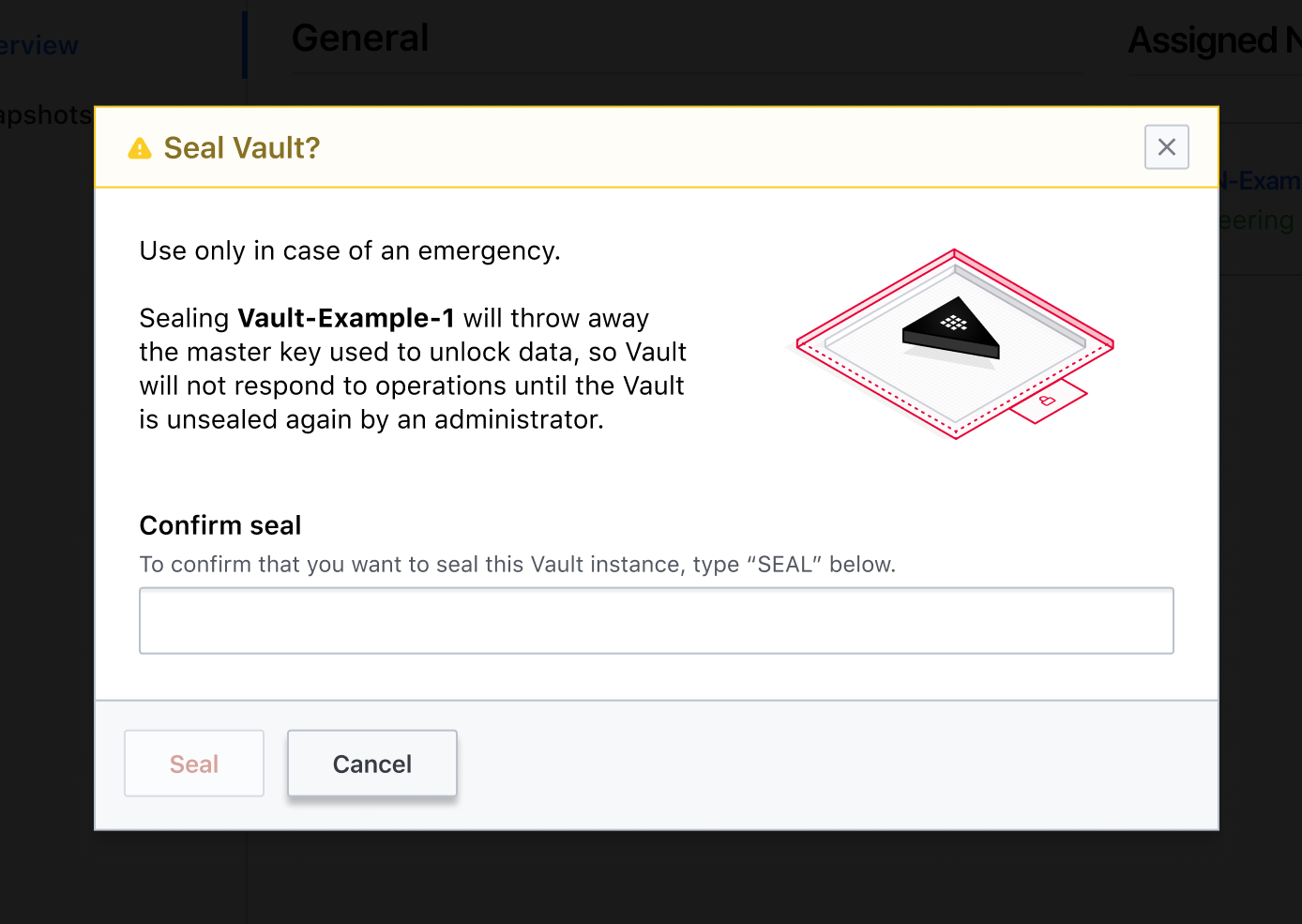
I took our observations and refined the small details like clear actions, adding a confirmation step, and included helpful info to make sure they felt confident making changes.
Hello 1.0
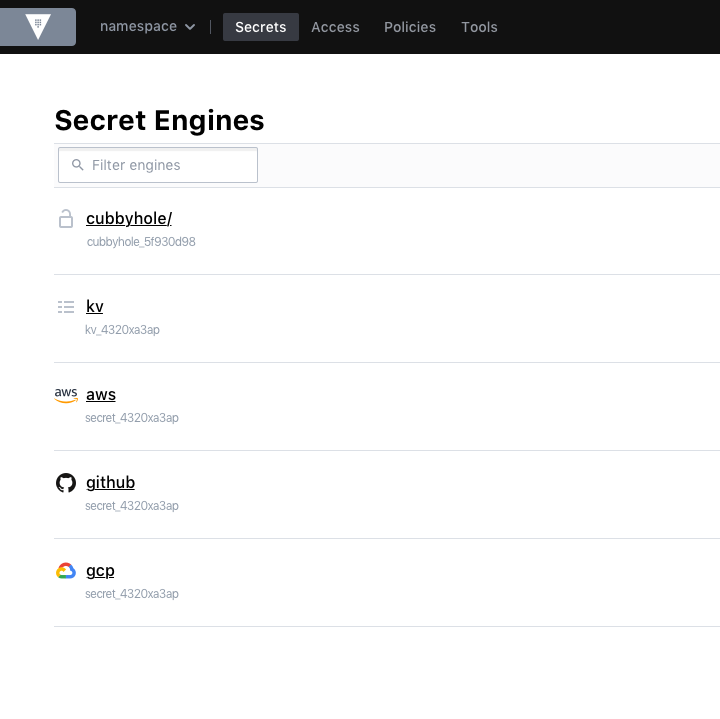
HashiCorp had just announced Vault Enterprise. Vault's open source project was already becoming the standard among open source users, and it had quite a fan base. HashiCorp knew that the security engineers, platform engineers, and compliance officers that would be using the Enterprise version needed a user interface that gave them more discoverability and visibility into their secrets management environment.

Designing complex systems means spending quite a lot of time thinking about how to make things reusable and composable. After all, you don't get to start from scratch every day so I think you should take advantage of it and do it right. These designs weren't just the future of Vault, it was the future of our whole design team at HashiCorp. To help the designers that we were onboarding quickly and to help keep our products consistent, I led the working group that created our first design system named Structure.
Everybody could use a Guide
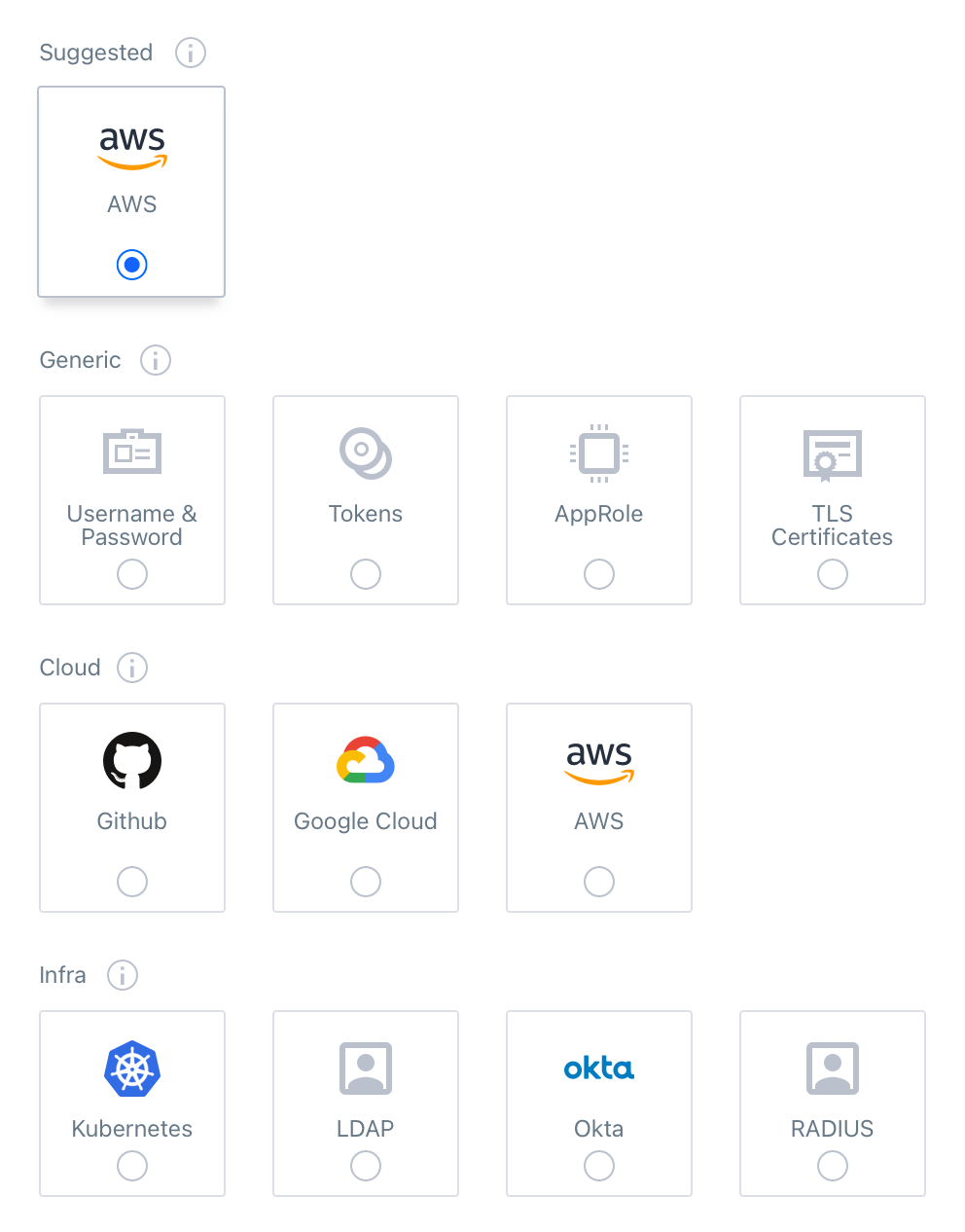
It's no surprise that a tool like Vault has a bit of a learning curve. Getting everything configured and integrated into your application could take hours (many people even split it up over several days!). The user may be learning about how secrets engines, authentication methods, and access control policies work for the first time and are anxious about doing things right. We want best practices the be the default and organizations to feel confident that their data is safe, so I designed a new "UI Guide" component that helps you learn about how to use Vault and the Web UI. This would be a very new kind of component for our design system, one that was dynamic and integrated into the entire application, guiding the user through new workflows, whether it is their first time doing it or to help make sure they remember the next time.
I had a few important rules for this new experience:
- Greet first-time users but be easily dismissed
- Onboarding with a carousel of images or videos isn't good enough.
- Stay with them as you they get to know the real application and build muscle memory.
- Don't expect them to remember next time, so make it easy to find after it is closed.
- Our users are smart! Don't talk down to them.
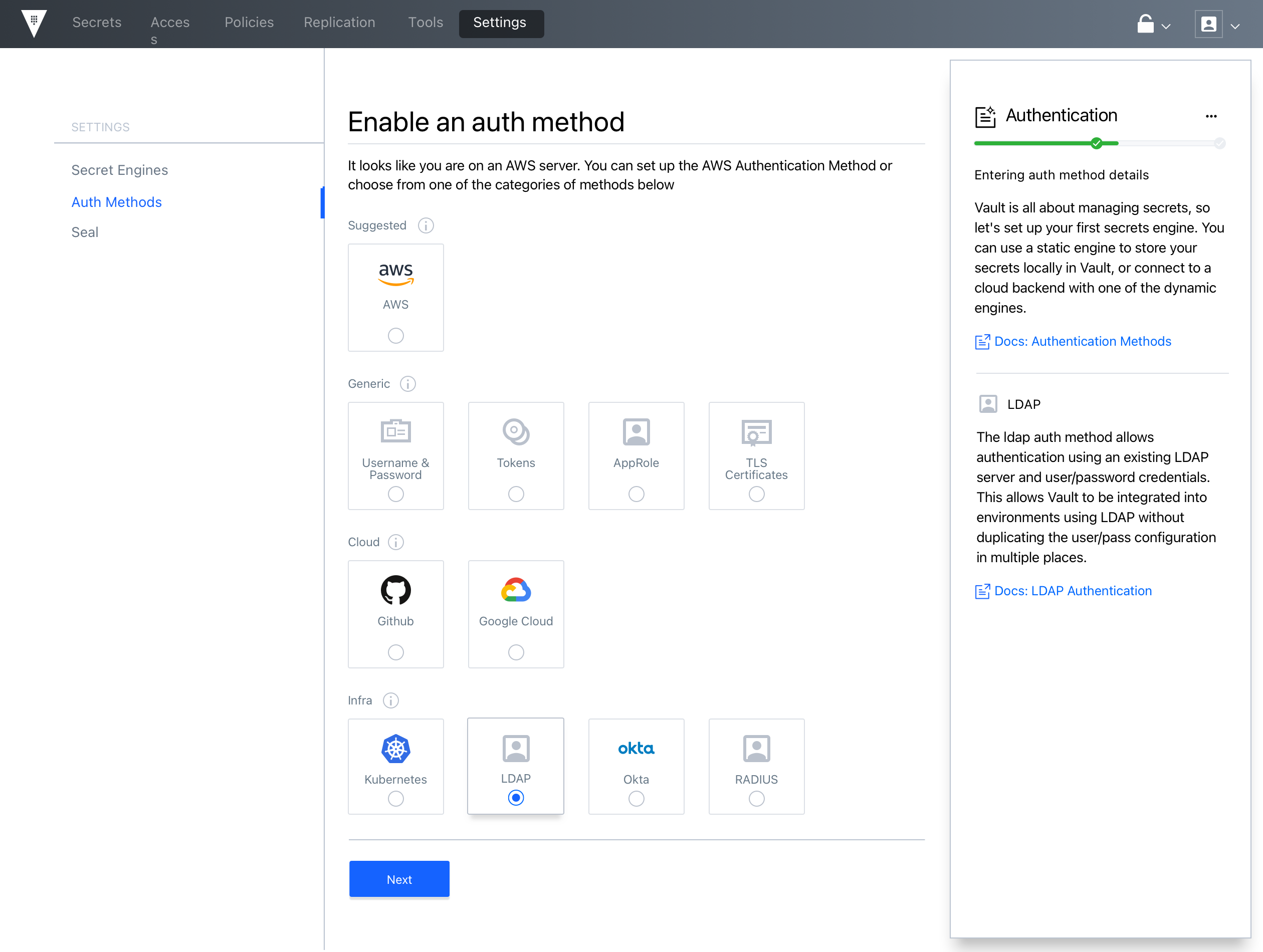
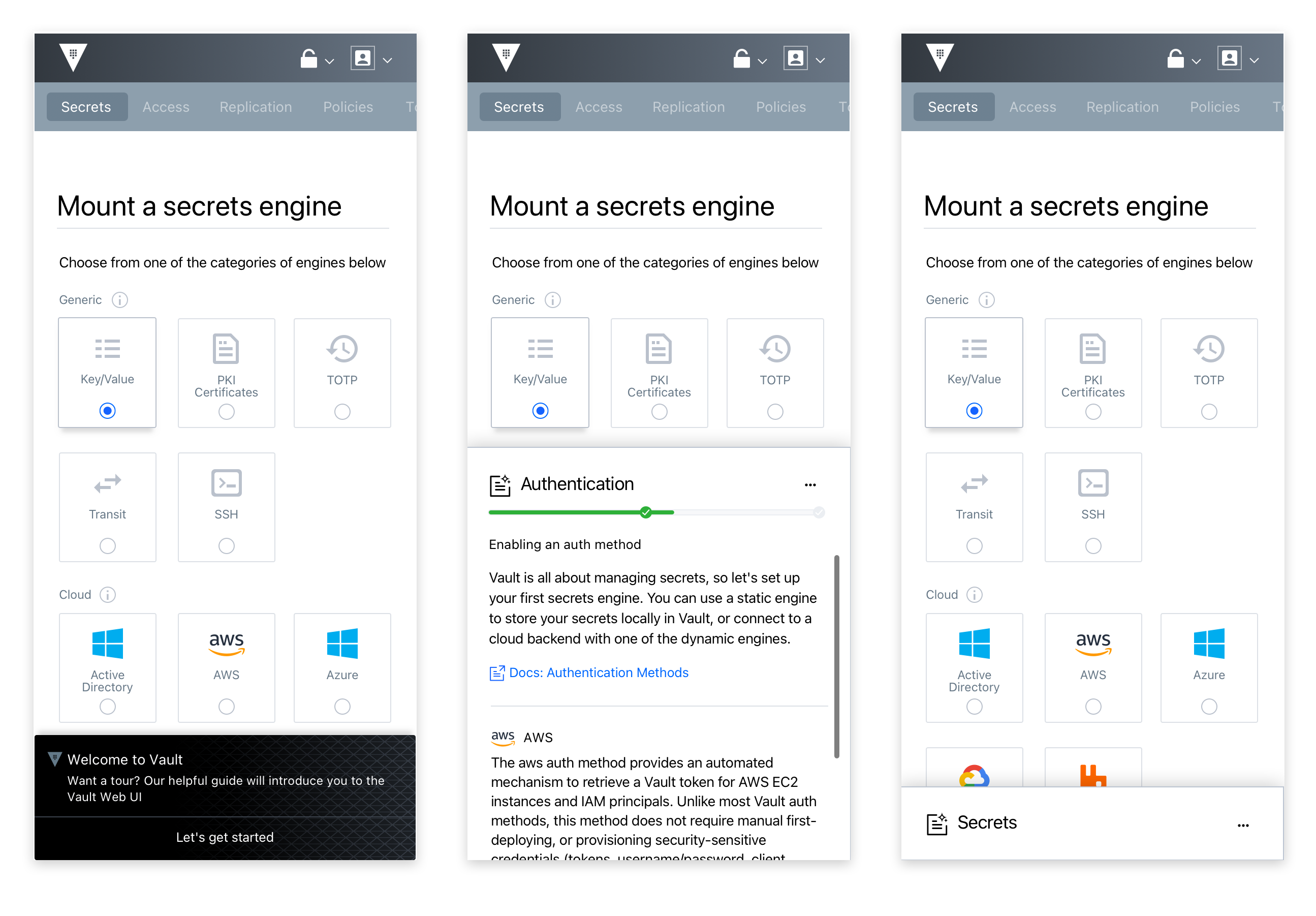
HashiCorp is a remote-first company, and always has been. The culture around writing things down clearly for asynchronous review was very strong, and every major change from any corner of the company had an RFC that went with it. RFC stands for "Request for Comments" and while getting a second-opinion from every engineer in a two-thousand person company is pretty scary, I think that this process is how we kept our culture of humility and openness. I wrote an Design RFC documenting the capabilities and experience of the Guide component, how it would appear and be dismissed, how it organized information and showed progress. I even created a multi-page spreadsheet detailing all of the text and states that we would need for each section, keeping things organized for our front-end developers who would need to get all of it into code. Through their feedback, the design team helped me craft this component into one that could be used in all of our products, building in some of the flexibility and customization that they would need right from the start.
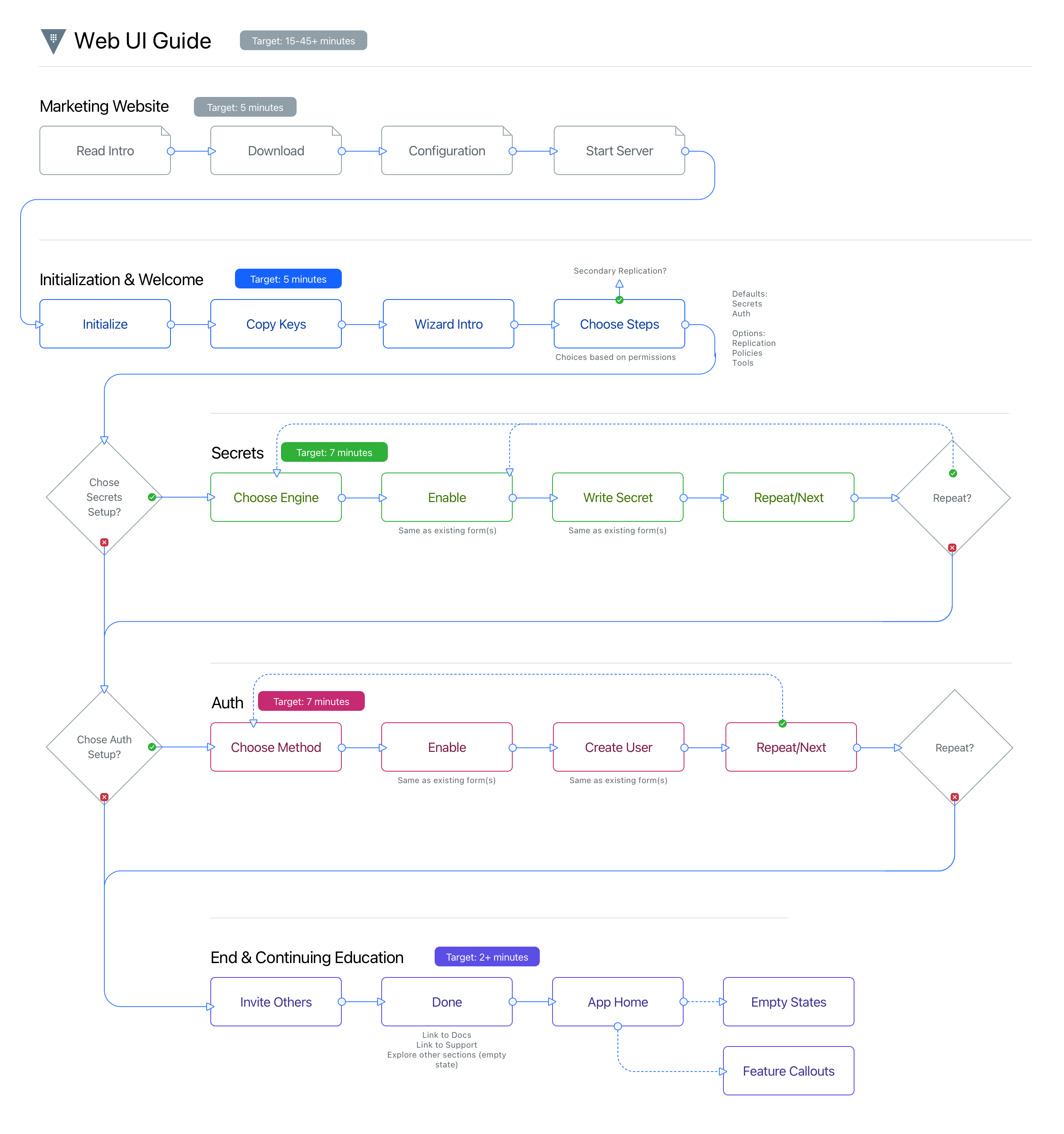
We used a state machine to keep track of the application state, including what "tracks" the user had selected, such as "Secrets Engines" or "Access Control Policies", and their progress through each one.
The Vault UI Guide launched in 2019 and was a big hit with our users, especially admins who spent time onboarding new developers. It was a big step forward for our design system and how we collaborated on complex components.
Making easy even easier
In 2020, the HashiCorp Cloud Platform (HCP) was created to bring our multicloud automation tools all into one place. This was especially exciting for Vault because this means you wouldn't have to worry about provisioning, and deploying a Vault server, we could do that for you. At this point, the Vault product design team had grown to four and we needed someone who understood the complexities of how our products fit together, so I moved my focus to HCP Vault and left the core product in their good hands.
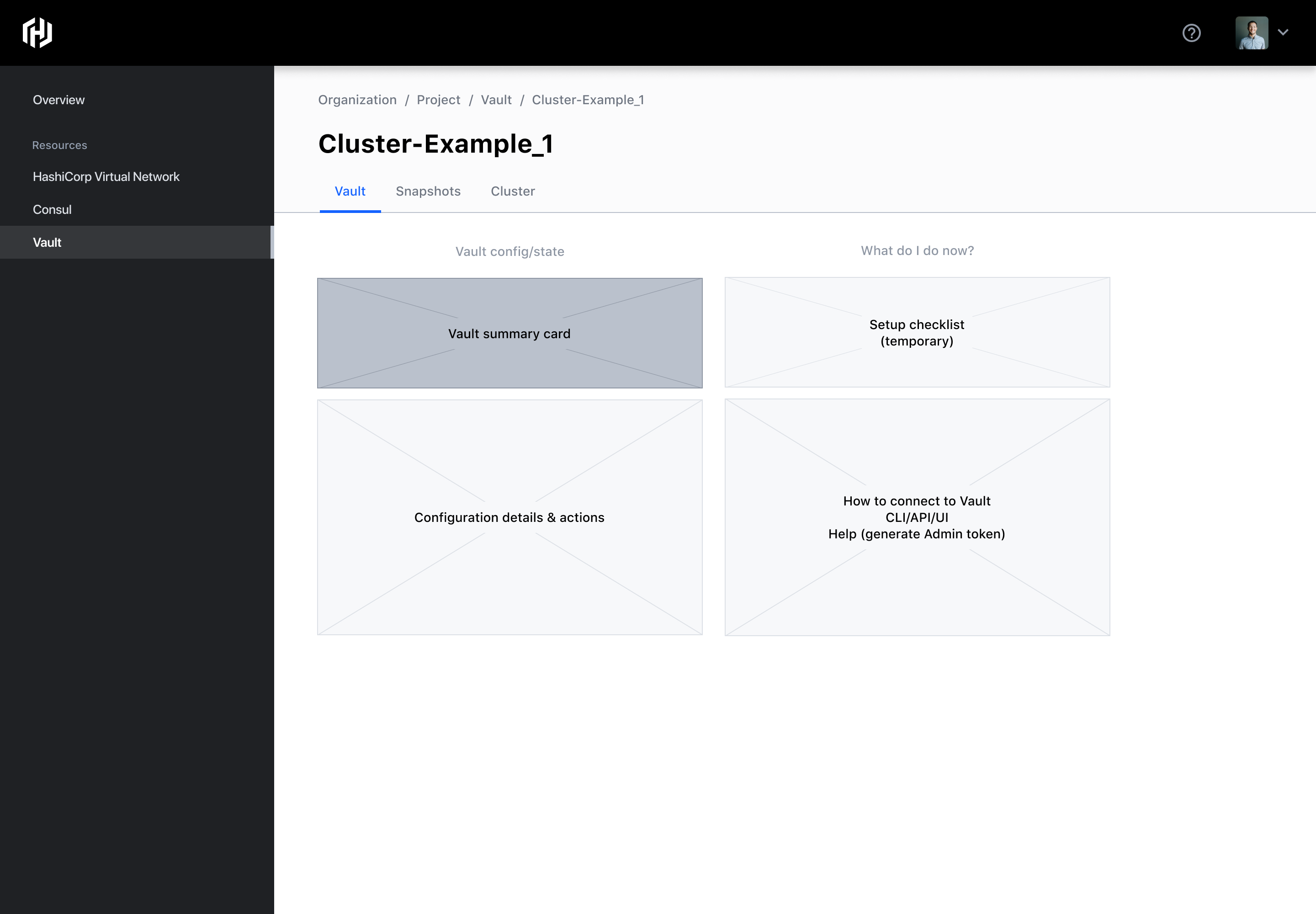
Our Product Manager joined me for dozens of customer interviews where we heard a consistent story:
We want the confidence of using Vault, but without the headache of setting it up ourselves.
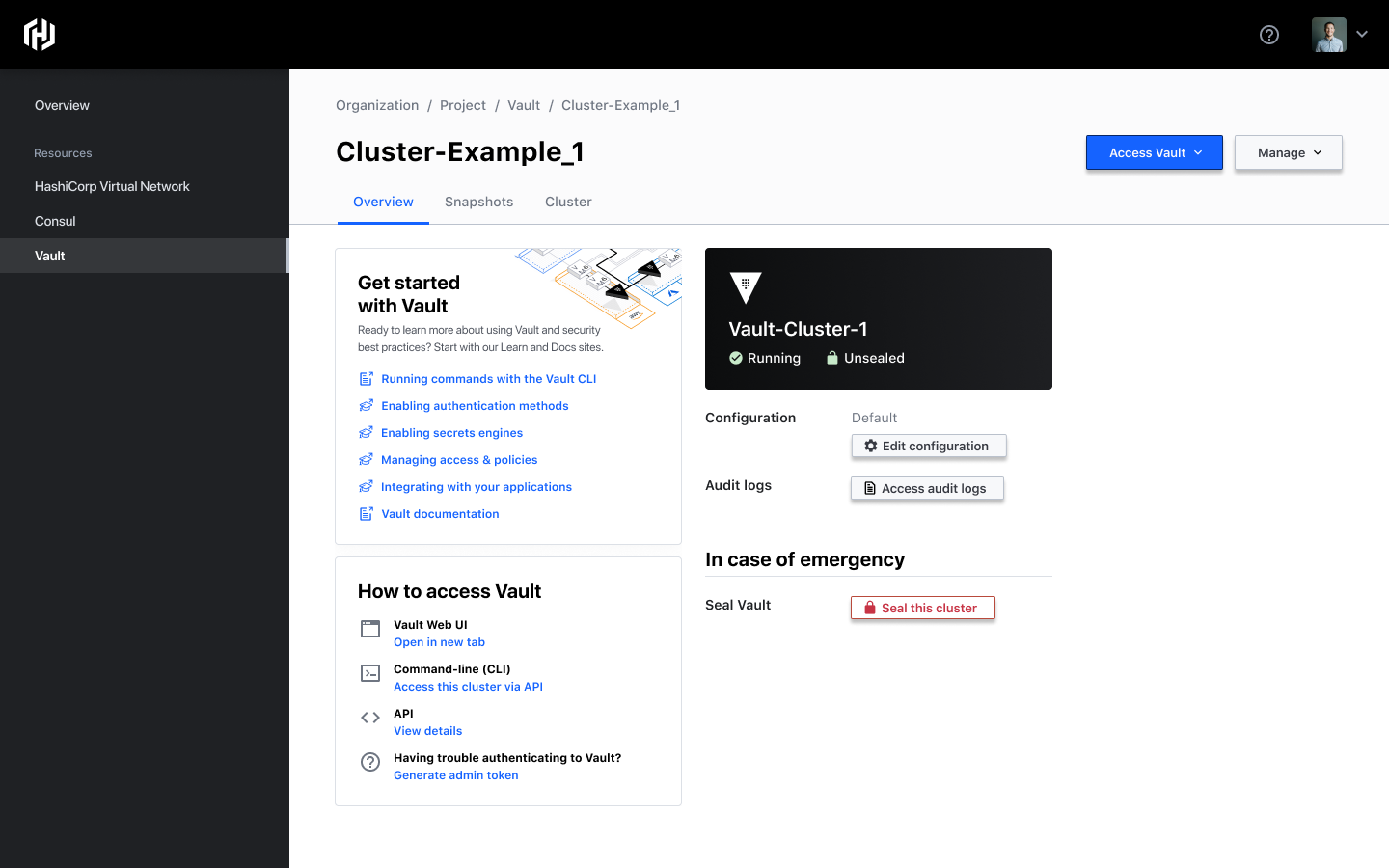
We wanted to bring Vault to the cloud platform but we also wanted to time the release with our HashiDays event and the platform wasn't quite ready to support all of Vault's capabilities quite yet. We made the decision to use HCP as a managed service provider, hosting and managing Vault for them but serving as a portal to the already popular Vault Web UI.
HCP Vault launched in January 2021. I had designed a simple workflow for provisioning a Vault cluster and a friendly dashboard where you could see the cluster's status on HCP. Within a week there were hundreds of new Vault clusters created by customers varying from retail businesses and banks to government entities I'm not allowed to mention.Secrets management was more accessible than ever.
Workflow-driven design
I think we'd all sleep better if we knew that cybersecurity was easy. If you design or build software, I can't overemphasize the importance of learning systems design. Whether it is a simple mobile app or sophisticated access controls for highly dynamic infrastructure, contextualizing your design based on specific needs and workflows helps to ensure all of the parts work together.